
Charging history and cost
Every charge with its energy, cost from your tariff, power curve, and where the electricity came from: solar, house battery or grid.
How it worksBavarianData connects Home Assistant directly to BMW CarData, BMW's official data service. Charge level, doors, tires and position arrive over a live stream within seconds, and a charging history, trip journal and battery-health figure are built from it.
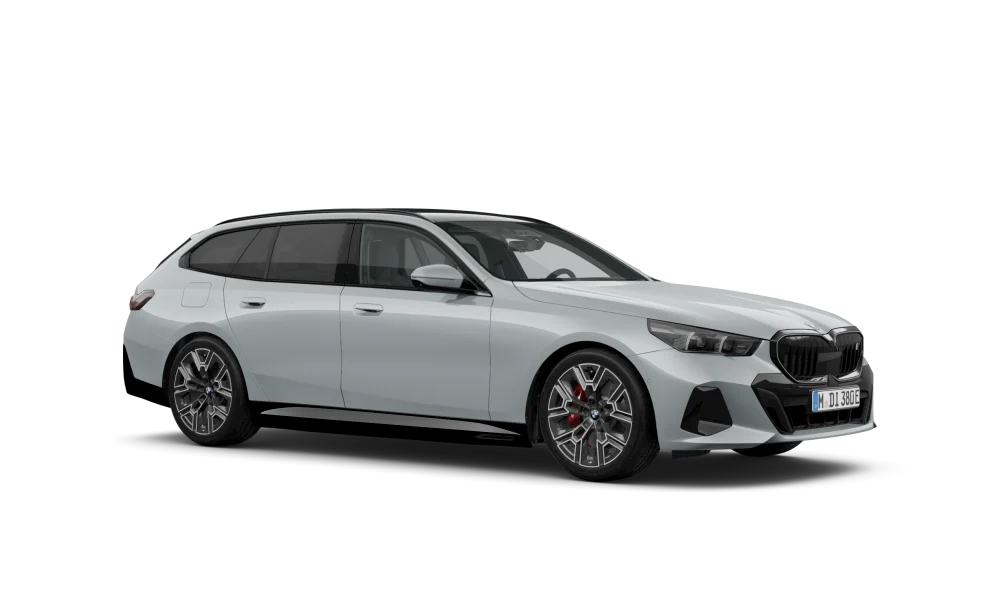
This is the real card from the integration, running on a real i5 eDrive40's data. Places and routes are made up. Tap a tile.
Each line is a value from BMW's CarData stream. BavarianData turns every one of them into a Home Assistant entity with the right unit, device class and a name in your language. Browse all 295 descriptors
BMW blocked it on 29 September 2025. BMW CarData is the official successor. Here's how to move your dashboards and automations across.
Everything here is computed from the stream, stored in Home Assistant, and spends not a single API request.
Every charge with its energy, cost from your tariff, power curve, and where the electricity came from: solar, house battery or grid.
How it worksEvery drive detected, with distance, energy, where it started and ended, sorted into business, private or commute, and drawn on a map.
How it worksConsumption measured from your own driving, and the range that follows from it, right next to the car's own prediction.
How it worksIn the BMW or MINI portal, create a client and subscribe it to CarData API and Streaming.
Find BavarianData in the HACS default store, install it, restart Home Assistant. Needs Home Assistant 2026.3 or newer.
Add the integration and approve your BMW account once in the browser.
Choose what the car streams and put the card on a dashboard.
Nothing. BavarianData is open source under the MIT license, and BMW CarData is free for your own car.
No. CarData is read-only and has no command interface, so no CarData integration can control the car. Use the MyBMW app for that.
BMW and MINI cars that support CarData: electric, plug-in hybrid or combustion. The card adapts to the drivetrain. BMW motorcycles stream no data.
Wherever BMW offers the CarData portal for your account. The client ID is account-wide and covers every car on it.
No. You authorize your own client once in the browser; Home Assistant only receives tokens and refreshes them itself.
BMW allows 50 REST requests per 24 hours. The live stream doesn't count against it, and the integration spends the rest sparingly.
BMW allows one stream per account. Two stream clients on the same account keep knocking each other off, so pick one.
BavarianData is a spare-time project. A star on GitHub costs you one click and helps other BMW owners find it.